 StoryCodex
How to Import Any Web Novel into StoryCodex
Step by step: add web novels from the most popular sites, import EPUB and PDF files, share documents from other apps, and organize everything into series.
 ForgeAppsUpdated September 29, 20267 min read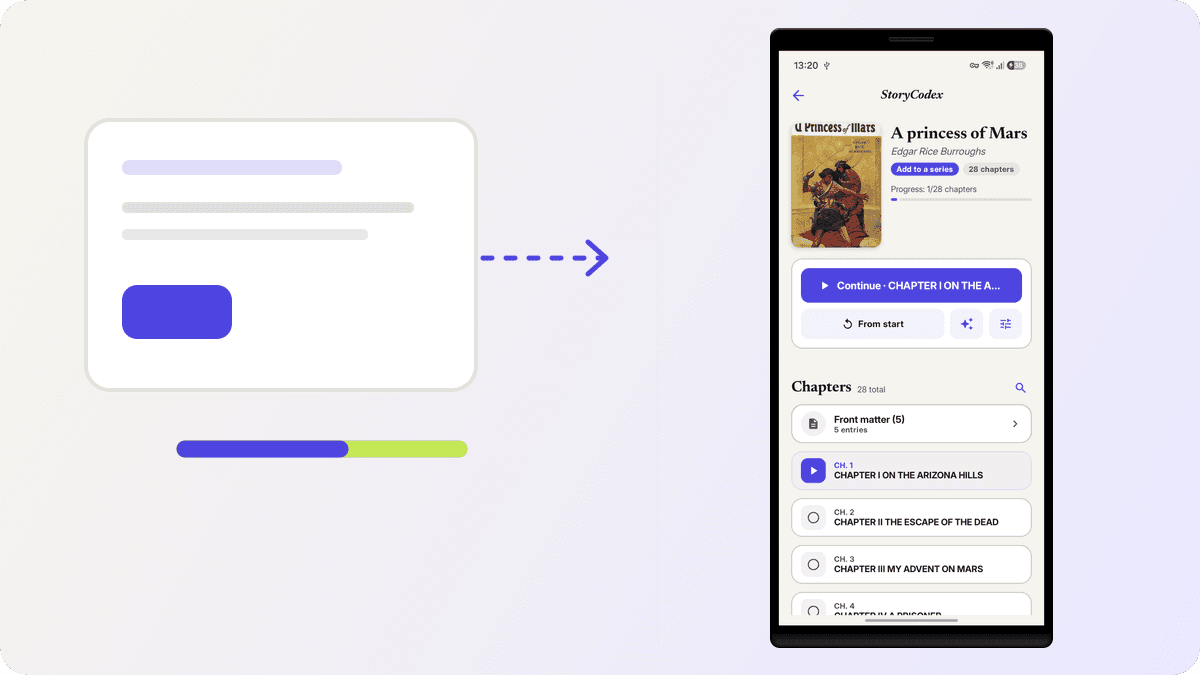
Every book in StoryCodex starts the same way: tap the add button on the library screen and the Add Content sheet opens. It is split into two groups, Save to your library and Listen right away, and that split is the whole mental model. The first group builds a permanent book with a chapter list and a Codex. The second group turns something into audio immediately, without committing it to the library. Five entries total, and each takes about ten seconds.
The five ways in
- 1
Add a Web Novel
Paste a chapter or series URL into the Source field. Title and cover can be left blank and auto-detected, or set them yourself, then tap Add Novel. StoryCodex fetches the book, its metadata, and its chapter list. This is the path for anything you currently read in a browser.
- 2
Import Book
Opens the file picker for EPUB. Select several volumes at once and they import together. The table of contents, footnotes, and front and back matter come through as their own sections.
- 3
Import Document
PDF or TXT, picked from storage, for instant narration. The right choice for manuscripts, exported fanfiction, or archived downloads you want in your ears.
- 4
Narration from Text
A paste box with an optional title and a 50,000 character limit. Tap Start Narration and a neural voice reads it immediately. Good for articles, transcripts, and notes.
- 5
Listen to URL
Opens a single Source field, same placeholder as the novel form: base URL or table of contents. Tap Open and the page becomes a listenable document in the reader. It is the same pipeline behind turning any web novel into an audiobook.
Supported sites and what each extractor actually reads
StoryCodex has dedicated extractors for the sites readers actually use: novelfull.net, readernovel.net, wuxiaworld.com and wuxiaworld.site, webnovel.com, royalroad.com, and wetriedtls.com. Each extractor knows that site's markup, so chapter lists, next links, and content come through cleanly instead of as a wall of page chrome. Here is what each one pulls, because it decides how dressed your library entry arrives.
Per-site notes
Royal Road
The fiction page supplies title, author, cover, community rating, and the status label (Ongoing, Hiatus, and friends), so your library entry arrives fully dressed before you read a word.
WuxiaWorld
Both wuxiaworld.com and wuxiaworld.site are covered. The extractor checks the lazy-load attributes first, so the real cover art comes through even when the site hides it behind placeholders, along with author, status, and rating.
NovelFull
Author and status come straight out of the novel's info box, star rating included, and chapter URLs are normalized so your chapter list stays tidy and numbered.
ReaderNovel and Webnovel
ReaderNovel yields title, author, and cover. Webnovel is chapter text only: the extractor lifts the chapter body, and title and cover fall back to the universal metadata pass described below.
WeTried TLS
A special case done properly. The site is a Next.js app whose chapter list never appears in the page HTML, so the generic crawler cannot see it. StoryCodex reads the series id out of the page's embedded data and talks to the site's JSON API directly, which is also what makes incremental updates fast: on refresh it scans newest-first and stops at the first chapter you already have. Only public chapters are listed; anything the site marks as locked stays locked.
Aggregator links get resolved too. NovelUpdates chapter pages do not redirect normally; they bounce through meta refreshes and script redirects, and StoryCodex follows those hops, up to eight deep, scoring candidate links and skipping the social buttons and forum links, until it reaches the real chapter on the translator's site. You paste the link you were actually reading; the app does the legwork.
For sites without a dedicated extractor, StoryCodex still tries. A readability pass takes the cleanest content block on the page, falling back to the single longest text block if readability finds nothing. Meanwhile a universal metadata pass fills in title, author, cover, and rating from the page's structured tags: JSON-LD first, then Open Graph and Twitter tags, then plain text labels like Author: and Status:. Site-specific answers win; the universal pass fills the gaps. In most cases the result is a clean chapter list ready to read.
When imports fail, and why
A few edges are worth knowing upfront. Chapters behind a login or paywall cannot be fetched, because the app has no session and does not ask for one. Sites that answer automated requests with HTTP 403 will report exactly that: the error tells you the site blocked the request even though it opens in your browser. A small set of known hosts get an automatic warmup-and-retry that sometimes clears this, but JavaScript-based bot challenges like interactive Cloudflare checks are a hard wall for a non-browser fetch. And chapters published as images rather than text will not extract, since there is nothing to read. When a dedicated site redesigns its layout, the generic fallback usually keeps content flowing until the extractor catches up.
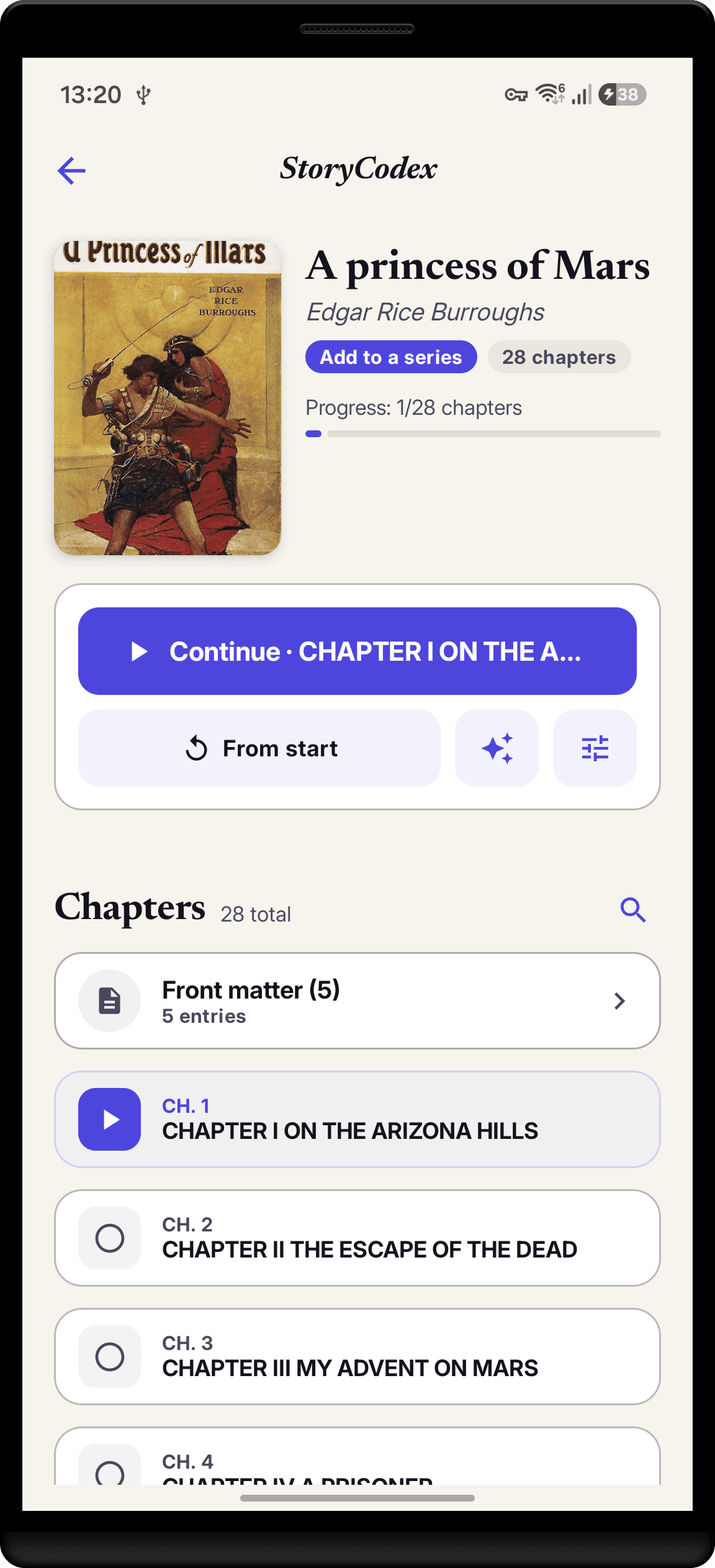
After import: organize and go
- 1
Group volumes into a series
Long web novels often arrive as multiple volumes. Adding them all to one series shares a single Story Codex across the series, so character memory carries over.
- 2
Save chapters offline
From any chapter list, select chapters and save them for offline reading. Offline saving is a Pro feature, so free users read with a connection or listen with a downloaded voice.
- 3
Analyze a batch
Select chapters and run a bulk analysis to build summaries and Codex entries in the background. The progress card says it plainly: you can leave the page, analysis continues.
The share sheet shortcut
StoryCodex registers as a share target, and what happens next depends on what you share. A shared URL opens straight into the reader as a listenable page, the Listen to URL flow without the sheet. A shared EPUB imports into the library directly. A shared PDF or plain text file opens in the reader for narration, which means the fastest import is usually the share button in whatever app you are already in. If a file is misidentified, the app tells you which path to use instead of failing silently.
Troubleshooting imports
The site has paywalled chapters. Can StoryCodex read them?
No. Imports fetch public pages only; the app does not log into sites or bypass paywalls. On WeTried TLS, locked chapters are filtered out of the list entirely.
A Cloudflare-protected site fails with HTTP 403. What now?
That is the site blocking non-browser requests, and it affects every reader app that fetches directly. Try importing a chapter URL through the share sheet or Listen to URL; if the site blocks those too, an EPUB export of the same content imports cleanly.
The chapter list came in but the text looks wrong or empty.
The site probably changed its layout or serves content as images. The generic fallback recovers most layout changes automatically; image-only chapters have no text to extract, and no reader app can fix that.
I only want one chapter, not the whole novel.
Use Listen to URL or share the chapter link to StoryCodex. It opens as a one-off readable and listenable page without creating a library entry.
Can I import Kindle or Kindle Unlimited books?
No. Their DRM prevents any third-party app from reading the files. DRM-free EPUBs from Kobo, author stores, or standard retailers import directly.
If you are comparing readers before committing, the best offline web novel reader apps roundup shows where StoryCodex fits.
When in doubt, share. Anywhere a browser, file manager, or email app offers share, StoryCodex shows up as an option, so imports start without you ever leaving your current app.
StoryCodex is free to try on Google Play and the App Store. Import a serial, pick a neural voice, and your library works fully offline, no account required.
Keep the story clear
Try StoryCodex for free.
Read, listen, and remember any long story with a private, spoiler-safe story memory that lives on your device.

